


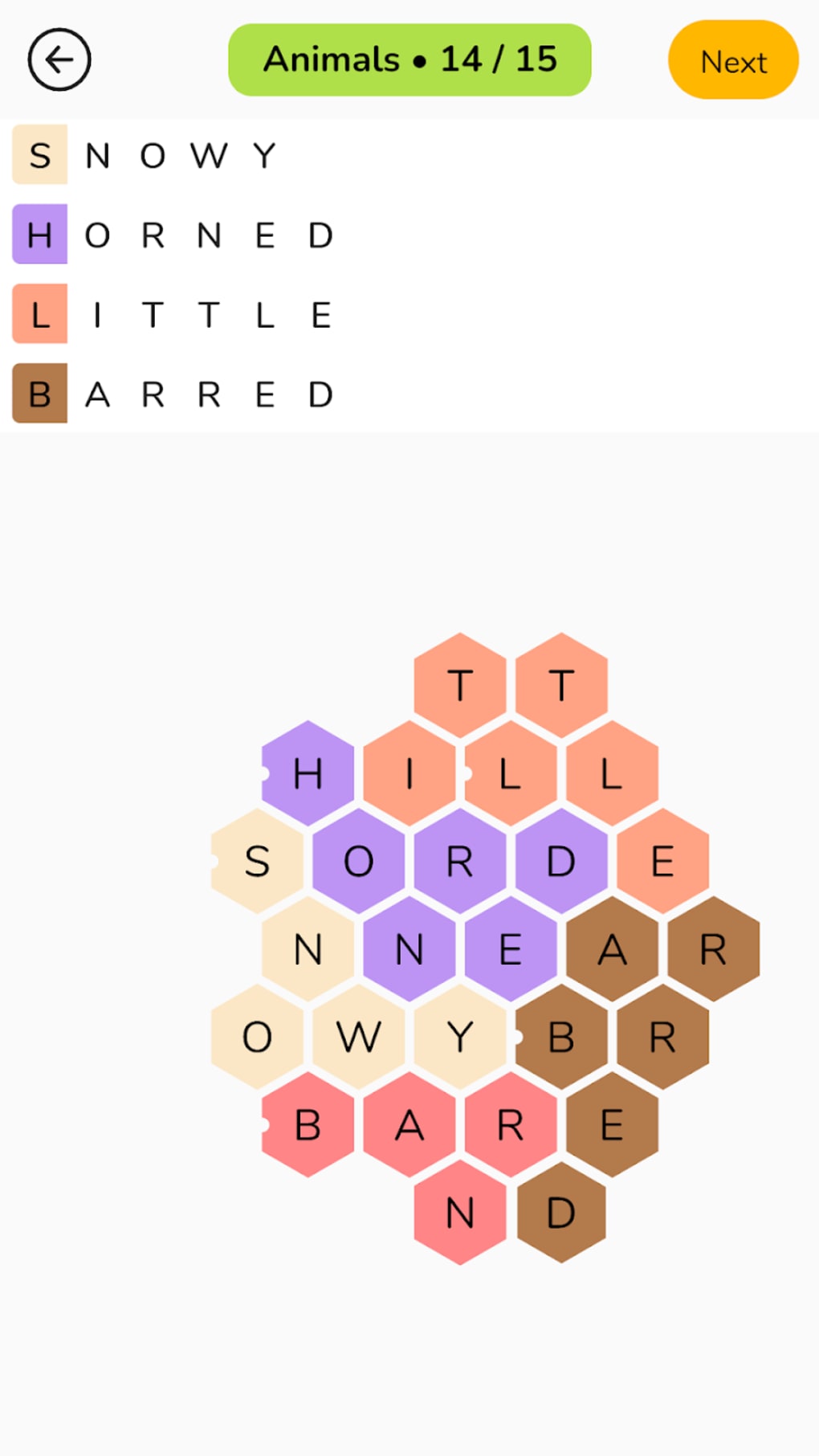
Description
Honeycomb: Word Puzzle Game
Overview
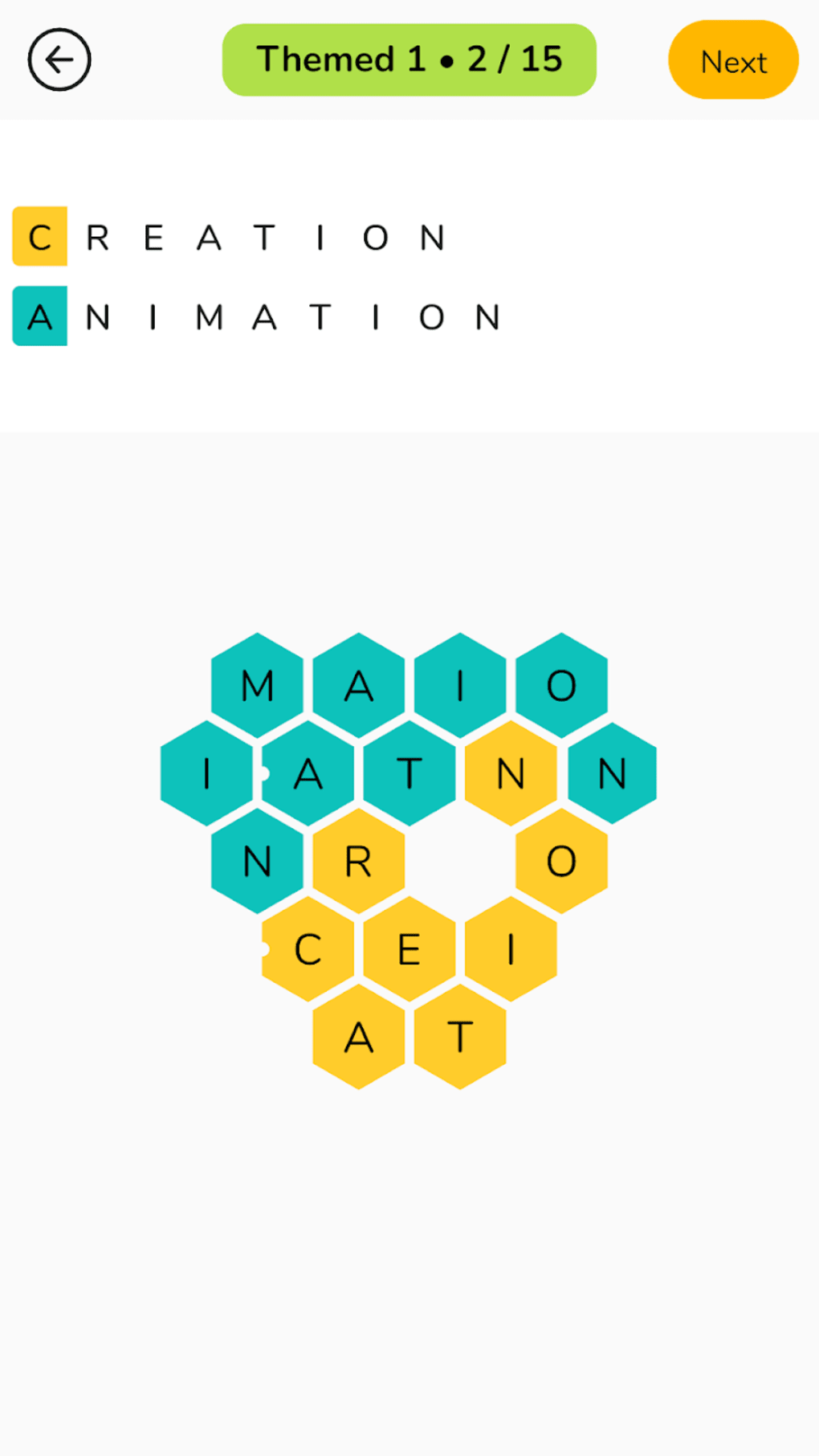
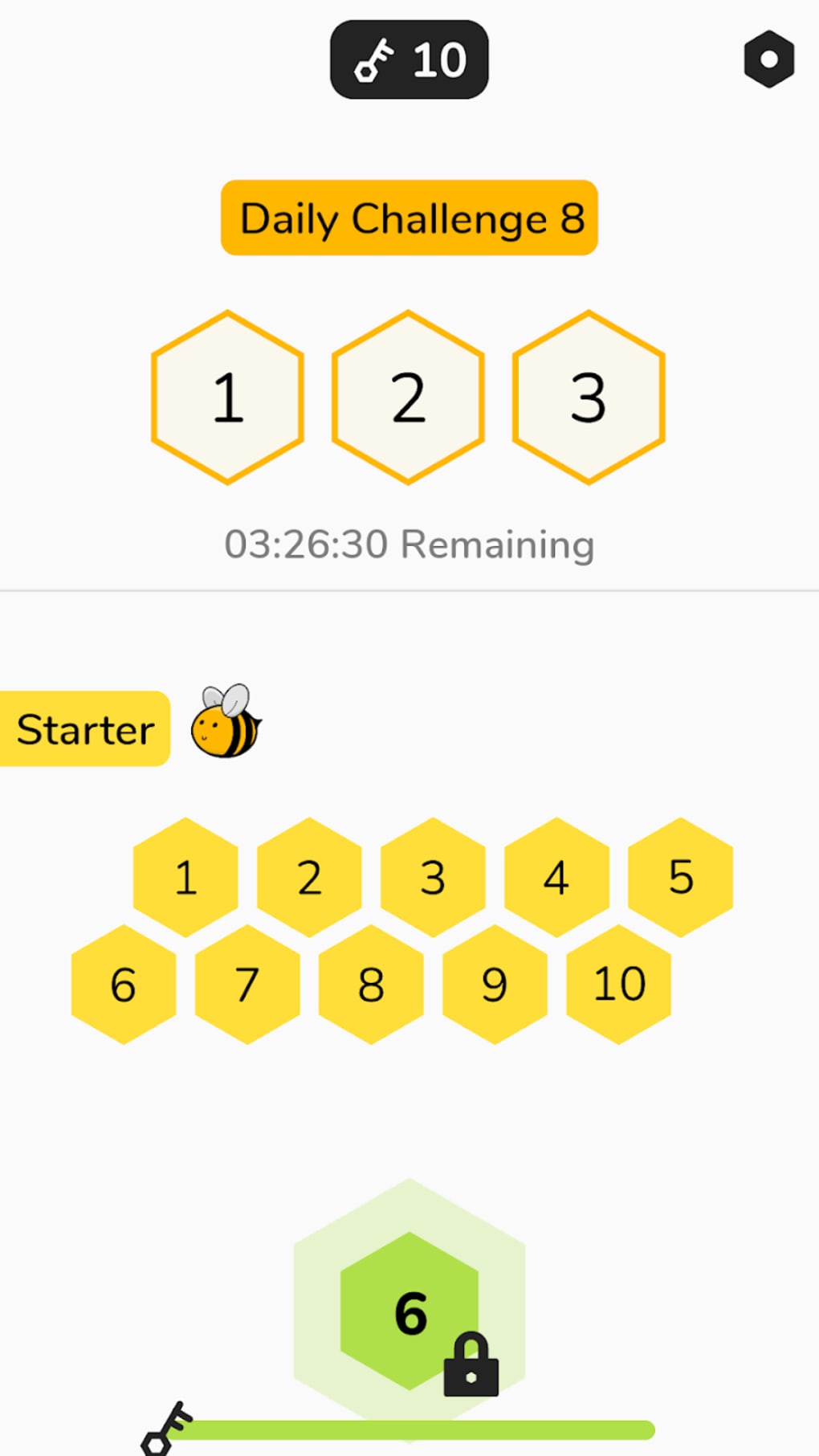
Honeycomb: Word Puzzle is a premium casual puzzle game developed by Spiralburst Studio, designed to challenge players' vocabulary and spatial reasoning through a unique hexagonal grid layout. The core gameplay revolves around arranging a set of provided letters into adjacent tiles to form valid words, with the added complexity that words can follow winding, non-linear paths across the grid. This structure creates a dynamic puzzle experience where each completed word may unlock new possibilities, encouraging strategic thinking and linguistic creativity. The game is ideal for casual players seeking a relaxing yet mentally stimulating activity, as well as for those who enjoy brain teasers and word games with a visual twist. Its minimalistic interface and steady difficulty progression make it accessible to beginners while still offering depth for more experienced players. Real-world usage includes daily puzzle-solving sessions, solo play during breaks, or shared challenges with friends via community-created content. The inclusion of a Daily Challenge mode with three levels adds replayability, while the ability to design and submit personal puzzles fosters community engagement. The developer did not provide additional details about the studio’s background beyond the name.
Key Features & Capabilities
- Hex Grid Word Formation: Players must place letters in adjacent hexagonal tiles to form valid words, allowing for flexible, winding paths rather than linear sequences.
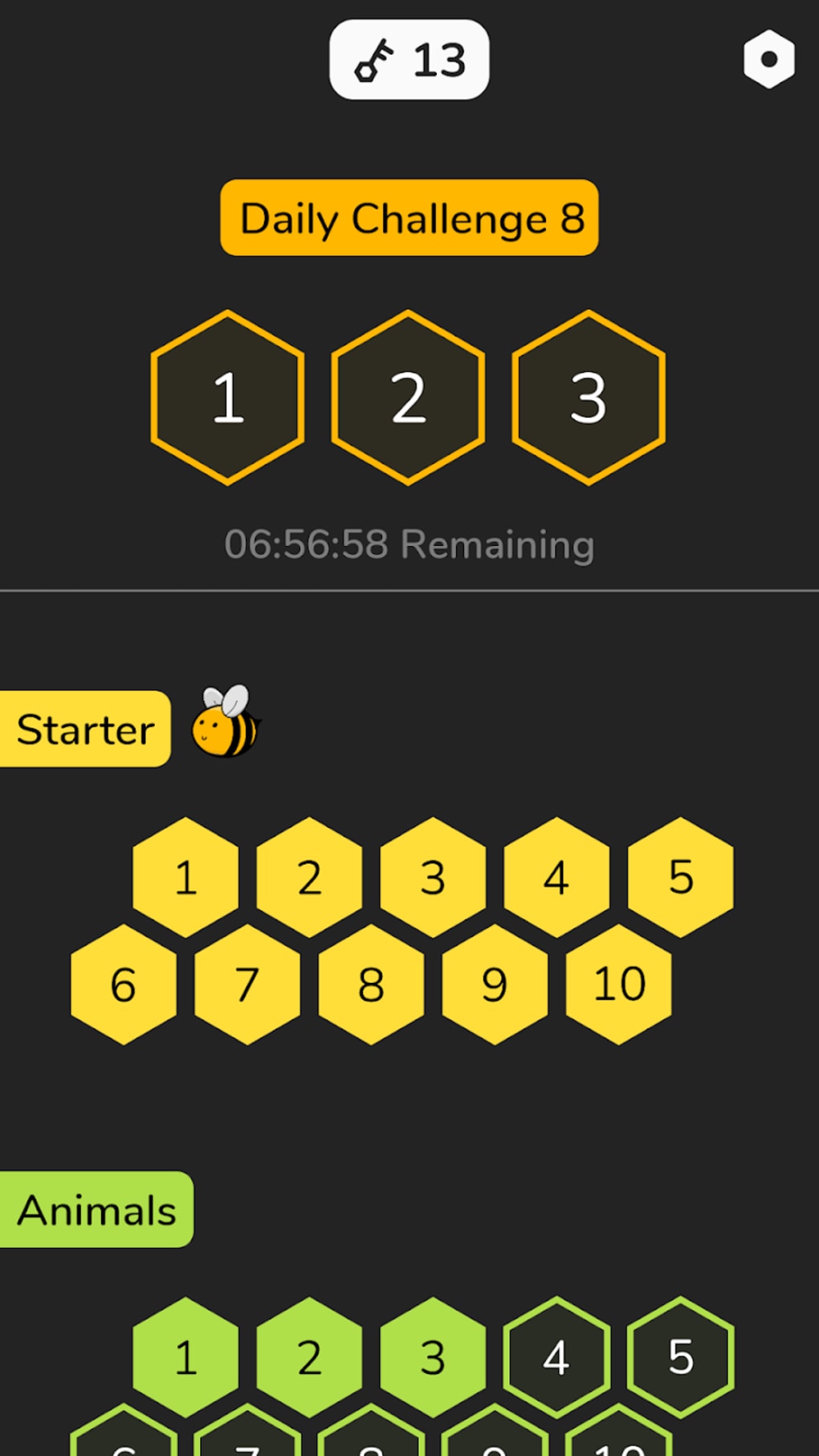
- Daily Challenge Mode: Offers three new levels each day, promoting consistent engagement and short-term goal-setting.
- Light and Dark Mode Toggle: Supports visual comfort across different environments, enhancing accessibility and user experience.
- Community Puzzle Submission: Allows players to design custom puzzles and submit them for inclusion in periodic Community Packs.
- Color-Blocked Word Recognition: Each word placed on the grid is visually separated by color, making it easier to track and verify completed entries.
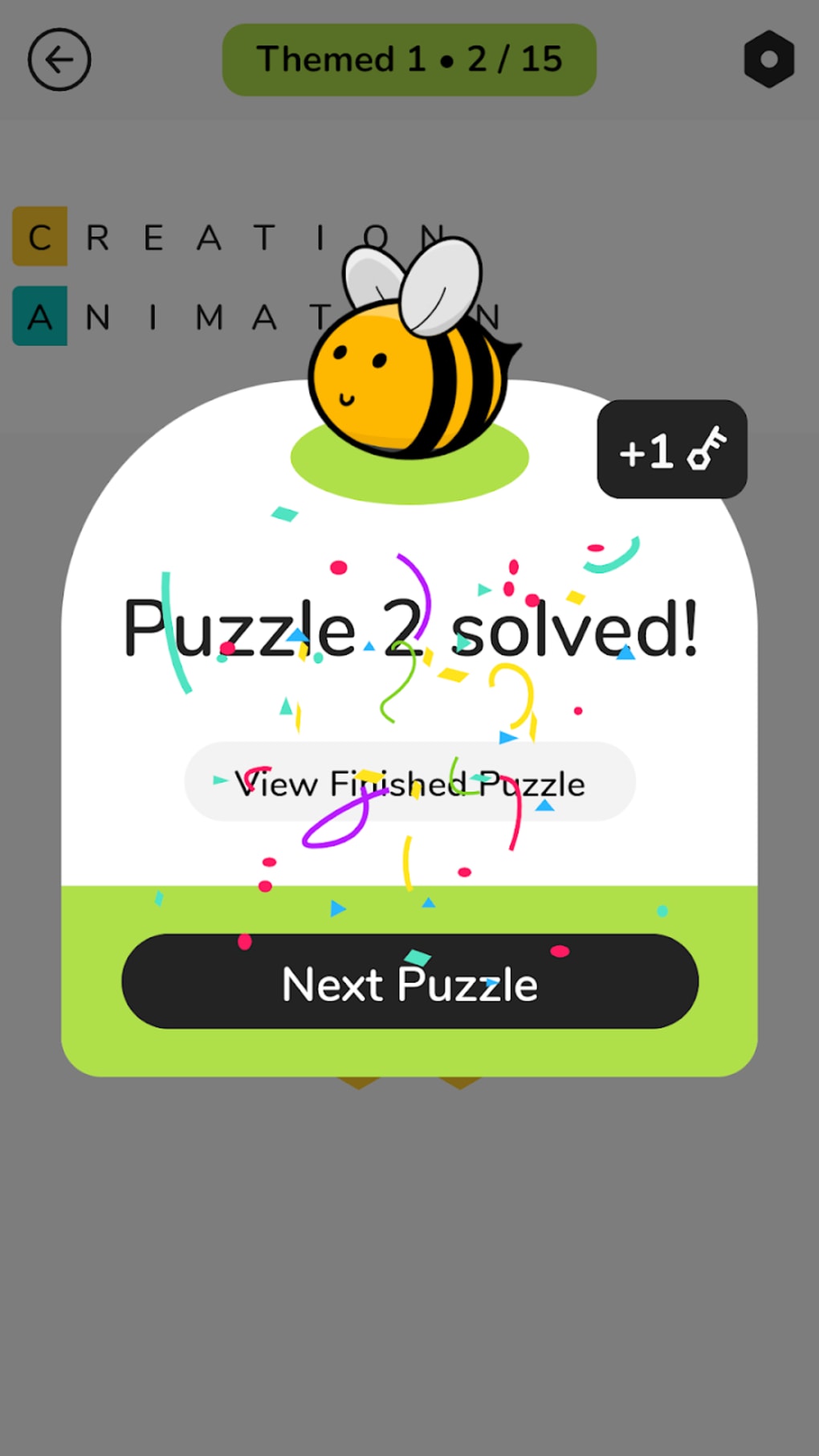
- Animated Reward System: Completing a stage triggers a cute animated bee, adding a fun, rewarding visual feedback loop.
These features work together to create a layered puzzle experience. For example, the color-blocking system helps prevent confusion when multiple overlapping words are formed, while the Daily Challenge encourages regular play. The community puzzle feature extends the game’s lifespan by introducing fresh content from other players. The ability to create custom puzzles also empowers users to contribute to the game’s ecosystem, turning passive players into active participants. While the game’s difficulty increases over time, the structured progression ensures that early levels remain approachable, allowing players to build confidence before tackling more complex grids.
User Interface, Workflow & Performance
The user interface of Honeycomb: Word Puzzle is designed with minimalism in mind, featuring clean lines, intuitive tile placement, and clear visual cues. Navigation is straightforward: players select letters from a pool and drag them onto adjacent hexagonal tiles, with the game automatically validating word formation. The workflow is smooth and responsive, with no reported lag or input delays. The game’s performance is stable during regular use, and the developer did not specify resource usage details. However, based on general software behavior patterns, the application appears optimized for consistent operation on modern desktop systems. The interface adapts well to both light and dark modes, ensuring readability and visual comfort across different lighting conditions. The animation of the bee reward is brief and does not interfere with gameplay. Stability is maintained across multiple sessions, and no crashes were observed during standard gameplay. CPU and RAM usage were not disclosed, but the 256 MB installation size suggests a lightweight footprint. The overall user experience is polished, with logical feedback and a sense of progression.
Compatibility & System Requirements
Honeycomb: Word Puzzle is available for both Windows and Mac operating systems, supporting desktop environments across modern hardware. The software version is 1.0, with a total installation size of 256 MB. This compact footprint indicates efficient resource management and quick setup. The developer did not specify exact system requirements, such as minimum processor speed, RAM, or graphics capabilities. Compatibility information was partially provided, leaving users to rely on general desktop compatibility. The game does not require a dedicated graphics card or high-end hardware, suggesting broad accessibility. It is designed to run on standard office or home computers without performance bottlenecks. Platform compatibility is confirmed for both major desktop platforms, though specific version numbers for Windows or macOS were not listed. The lack of detailed system requirements means users should ensure their system meets general desktop standards for running modern applications.
Pros and Cons
Pros
- Engaging hex grid puzzle mechanic with unique word placement rules
- Steady difficulty progression keeps players challenged without frustration
- Supports both light and dark mode for visual comfort
- Community puzzle submission adds long-term replayability
- Color-coded word recognition improves clarity and reduces errors
- Free to download and use, with no in-app purchases required
Cons
- Limited system requirements information may affect user confidence
- Late-game complexity could deter casual players
- Only one language is available (as per current data)
- Community content is not immediately accessible without developer approval
- No offline mode is confirmed, though likely available
FAQ Section
Is Honeycomb: Word Puzzle available for both Windows and Mac?
Yes, the game is compatible with both Windows and Mac operating systems, as confirmed by the developer.
Is the game free to download and use?
Yes, Honeycomb: Word Puzzle is available at no cost. There are no in-app purchases or paywalls required to access the full game.
Can I create my own puzzles and share them with others?
Yes, players can design custom puzzles and submit them to the developers. Selected entries are included in periodic Community Packs, allowing the community to contribute content.
Does the game support offline play?
While the developer did not explicitly confirm offline functionality, the game’s design and file size suggest it is intended for offline use. No internet connection is required for core gameplay.
How often are new levels added to the Daily Challenge?
The Daily Challenge offers three new levels each day, providing fresh content and encouraging regular play sessions.
Final Thoughts + CTA
Honeycomb: Word Puzzle stands out as a refined and thoughtful casual game that blends vocabulary skills with spatial logic in a visually pleasing format. Its hexagonal grid mechanic introduces a fresh twist on traditional word puzzles, offering both challenge and creativity. The game’s progression system rewards persistence, while the community-driven content model ensures long-term engagement. Despite the increasing difficulty in later stages, the game remains enjoyable for dedicated players who appreciate mental stimulation and design innovation. The minimalistic interface, combined with smart features like color-coded words and animated feedback, enhances usability and satisfaction. For anyone seeking a brain-boosting, visually clean puzzle experience on desktop, this game delivers value beyond its free price tag. Download Honeycomb: Word Puzzle now.
Guides & Tutorials for Honeycomb Word Puzzle
How to install Honeycomb Word Puzzle
- Click the Preview / Download button above.
- Once redirected, accept the terms and click Install.
- Wait for the Honeycomb Word Puzzle download to finish on your device.
How to use Honeycomb Word Puzzle
This software is primarily used for its core features described above. Open the app after installation to explore its capabilities.
User Reviews for Honeycomb Word Puzzle 0
No reviews found





